Your take sheet
fills itself in
— while you record.
Drop it into Pro Tools, hit record — every take slated, numbered, and transcribed the instant it happens. No wiring. No typing. Just the session.
Stay in the session. The sheet keeps itself.
Hand-typed take numbers. Notes scribbled between reads. Clunky control-surface rigs. That’s attention pulled off the performance — and good notes rarely survive a fast session.
AutoTake removes all of it. The sheet writes itself, sample-accurately, in real time — every take captured the instant the transport rolls. Your hands stay on the session. Your ears stay on the talent.
Real app. Real sessions.
Early-build screenshots, captured live during development — already running full client sessions in Pro Tools.
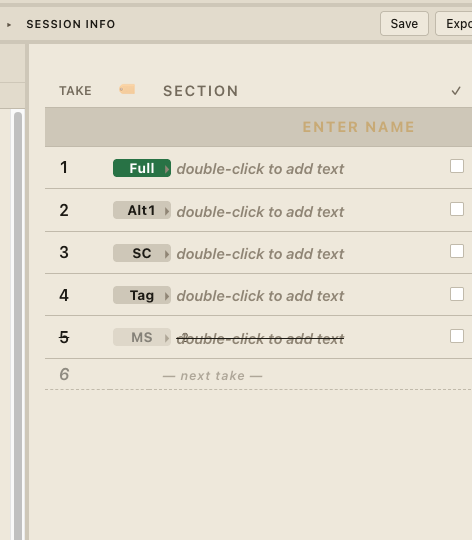
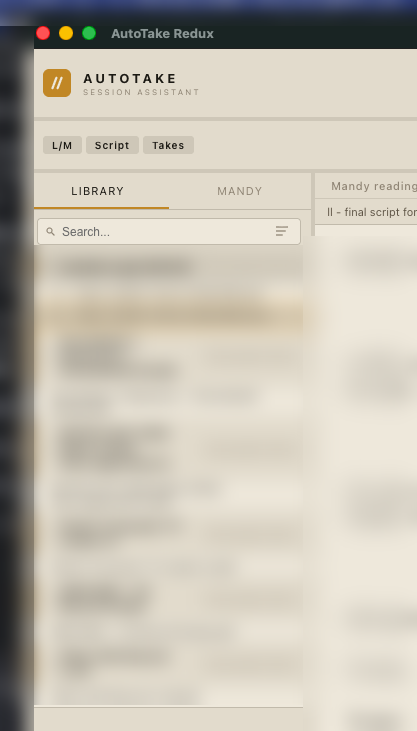
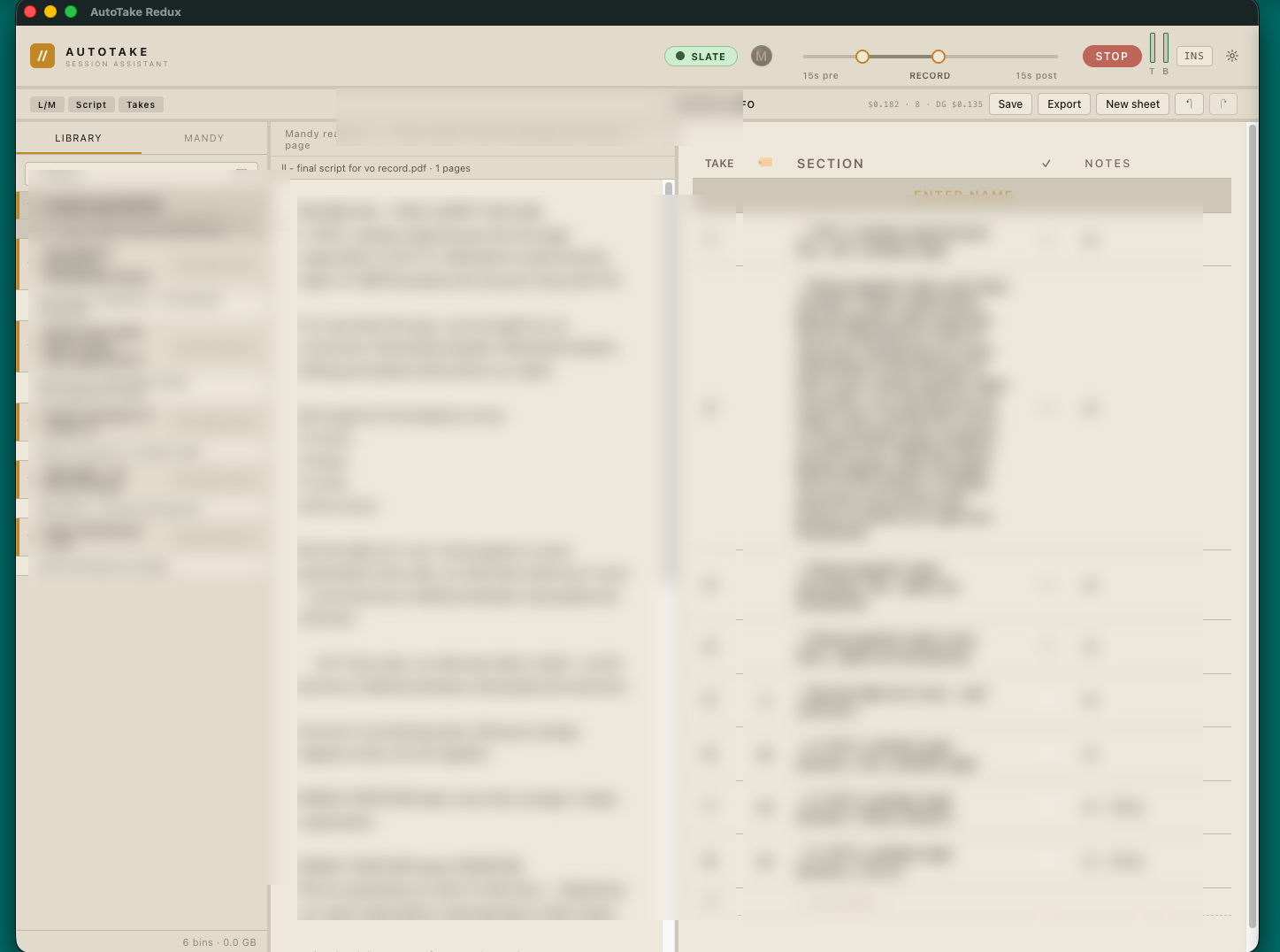
Script left · take sheet right · Mandy reading along
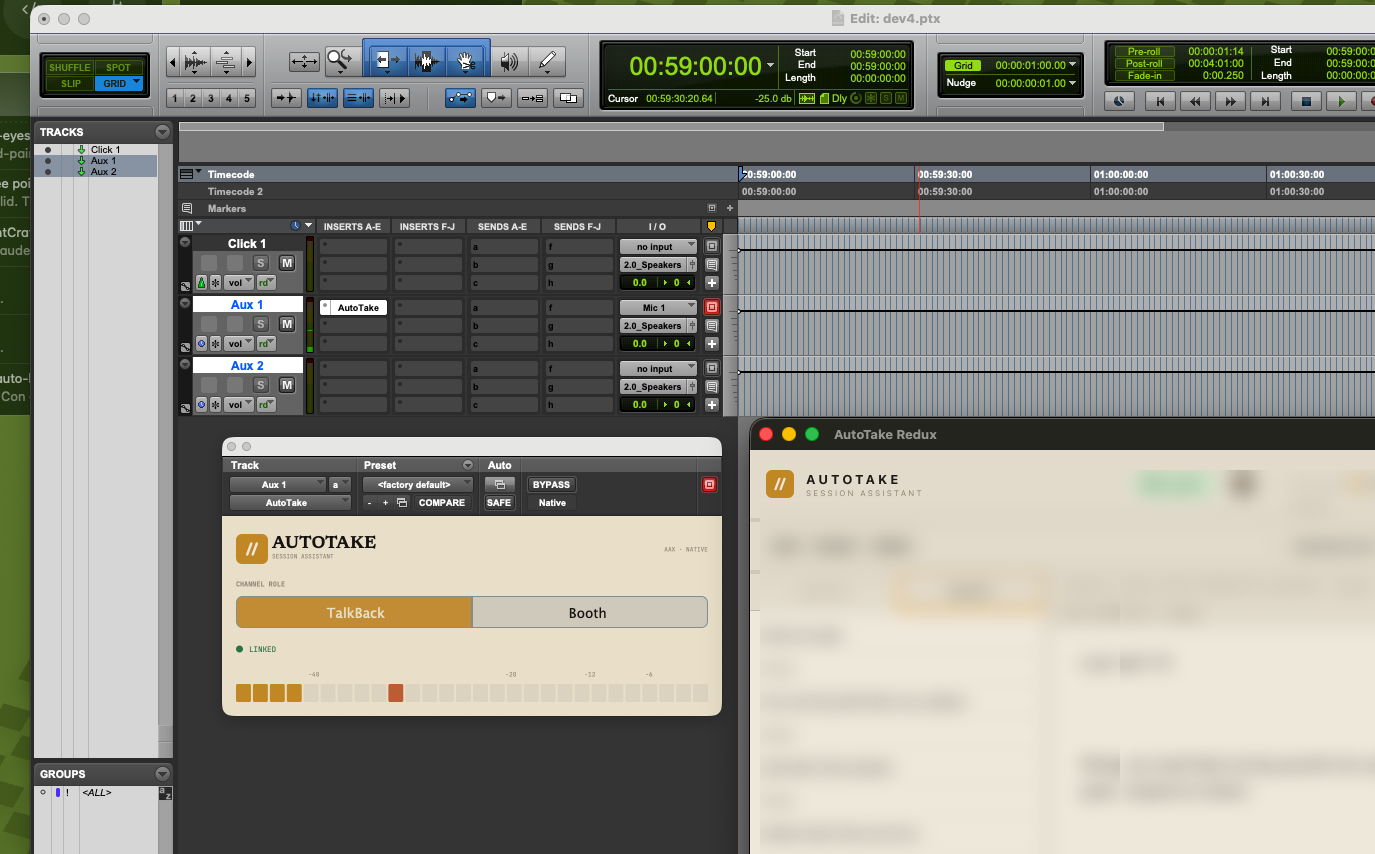
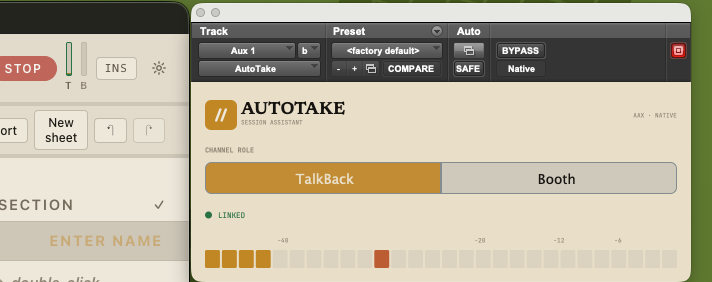
Drops in like any plug-in — AAX · VST3 · AU
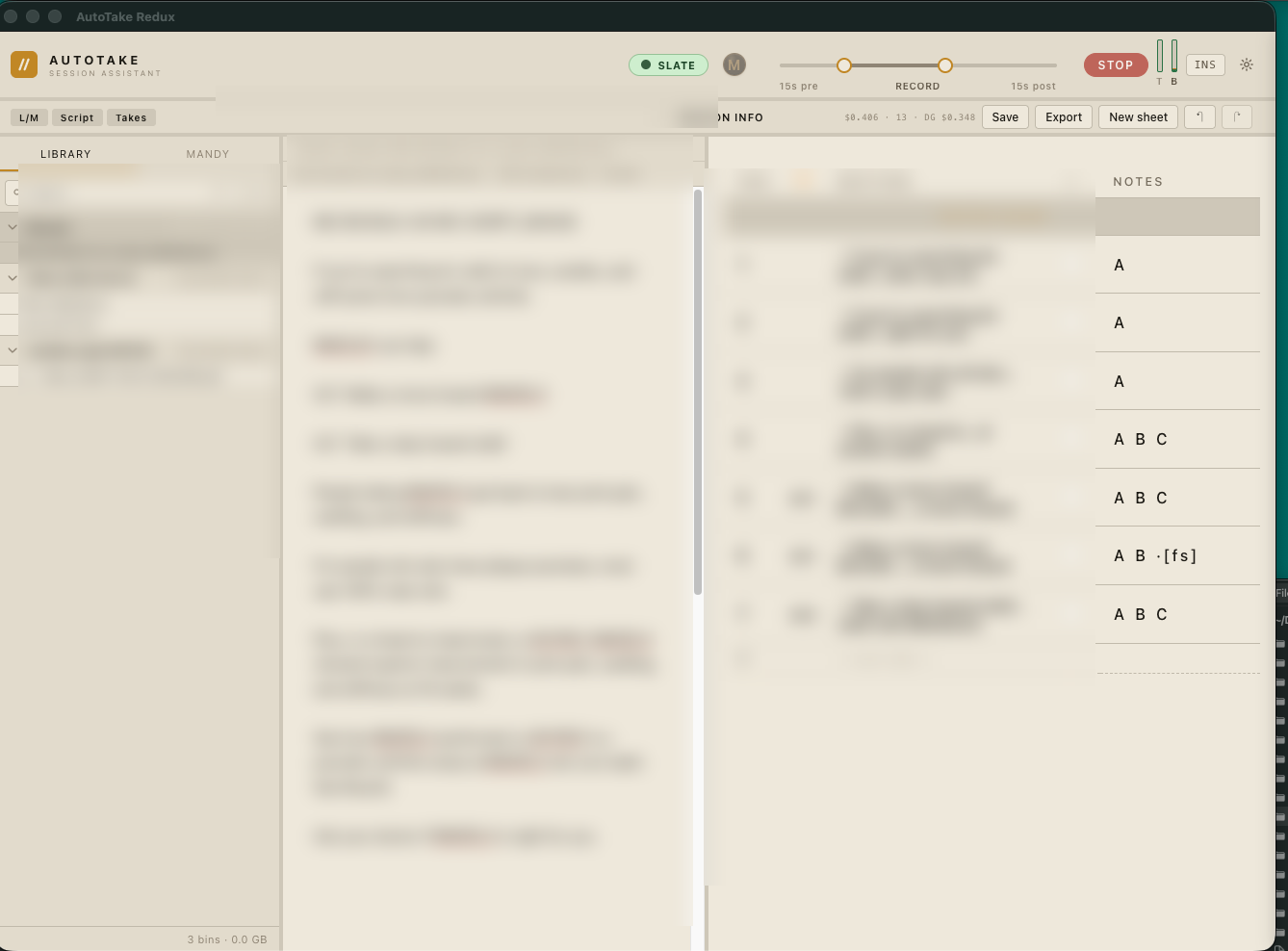
Every read, numbered and transcribed
Four steps. Then it disappears.
No setup ritual, no calibration. It plugs straight into your session’s audio engine and starts working.
Drop the plug-in
Insert AutoTake on the booth and talkback tracks. No hardware, no wiring, no MIDI.
Hit record
AutoTake detects each take automatically as the transport rolls — slated and numbered in sync.
The sheet fills live
Every take gets a number, a status, and an automatic transcript of exactly what was said.
Mark it up — or ask Mandy
Flag the keeper, group reads A/B/C, add notes by hand — or just tell Mandy, hands-free.
Everything an engineer tracks — tracked for you.
Automatic slating
Takes are captured the instant recording starts — perfectly in sync with Pro Tools, every time.
Live transcription
Every take is transcribed as it’s recorded — searchable text, not just a waveform.
Smart take sheet
Best-take checkmarks, A/B/C read labels, color marking, notes, and section dividers.
Mandy, the voice assistant
Marks up takes for you — best-take, labels, notes — all by voice or hotkey, mid-performance.
Script reference
Paste in the session script and the assistant references it automatically as you read.
Project library
Organize sessions into bins, with per-session info — talent, engineer, producer, and more.
Flexible workspace
Resizable, customizable panels that remember your layout from session to session.
No hardware, no wiring
It plugs straight into your session’s audio engine — AAX, VST3, or AU. Nothing to patch, nothing to sync.
Export & share
Send the finished sheet out as a clean, formatted document the moment the session wraps.
Just tell her.
Keep performing.
Mandy transcribes and marks up takes for you — the same actions you’d do by hand, done hands-free. You never stop to type during a take.
Built for high-volume take-based recording.
Professionals working in Pro Tools — and across post-production — who capture dozens of takes an hour and need to know which one was the keeper.
“A 44-takeclient session — and the sheet kept itself the whole way through.”Field-tested · Live commercial VO sessions
One free giveaway. Two ways to run it.
Same engine, three fits — from a booth basic that costs nothing to the full conversation between control room and booth.
TalkBack
A clean, no-fuss talkback plug-in. Key the booth from anywhere in the session — and keep it forever, on us.
AAX · VST3 · AUAutoTake
The session assistant. Sits on the booth track and sends every take to the app — slated, numbered, transcribed.
Simple send-to-appAutoTake Deluxe
Everything in AutoTake, with full talkback built in — one plug-in for the whole control-room-to-booth conversation.
Talkback + send-to-appFinal packaging is still being tuned — details may shift before launch.
Start with TalkBack.
On us.
A clean, no-fuss talkback plug-in — key the booth from anywhere in the session. It’s the front door to AutoTake, and it’s completely free. Drop your email and it’s yours.
Coming attractions.
SAG-AFTRA exports
Take sheets formatted for union reporting — SAG-AFTRA-ready, straight out of the session.
In the worksExports that travel
Clean, beautifully formatted documents the moment the session wraps — ready to send to anyone.
In the worksSession templates
Purpose-built starting points — ADR, audiobooks, foreign dub, Netflix spec.
Coming soonLive demo
See it in action — a guided AutoTake session, right in the browser.
Coming soonKeep your hands on the session.
We’ll keep the sheet.
AutoTake and Deluxe are in active development for macOS — AAX, VST3, and AU, with Pro Tools as the primary target. Join the early-access list and we’ll reach out as beta builds open up.
or just say hello
Questions? Say hello.
Studio fit, the beta, SAG-AFTRA exports, or anything else — send a note and it lands straight in our inbox. We read every one.